
Writing AMPScript and SSJS from scratch is a massive waste of time. A single missing comma breaks your entire email send. A poorly optimised Lookup function causes your automation to time out. Parsing JSON arrays with standard AMPScript is a literal nightmare — and none of this should be acceptable on a professional enterprise engagement.
At Genetrix, we stopped writing SFMC code from scratch years ago. We built an internal Code Vault of battle-tested AMPScript, SSJS, and SQL snippets. We use it to bypass platform limits and bulletproof high-volume sends for our enterprise clients. Today, we are opening the vault.
Why Custom SFMC Code Breaks in Production
The SFMC platform is powerful, but it is unforgiving. Standard documentation gives you the basics. It does not give you the edge cases — the AMPScript behaviours that only surface when you are processing 2 million rows, or the SSJS patterns that look correct until they hit a Journey Builder concurrency spike at 3 AM on a campaign day.
Most of the code snippets circulating in the SFMC community are written for tutorial scenarios, not production environments. They work in sandboxes and fail at scale.
What Is Inside the SFMC Code Vault
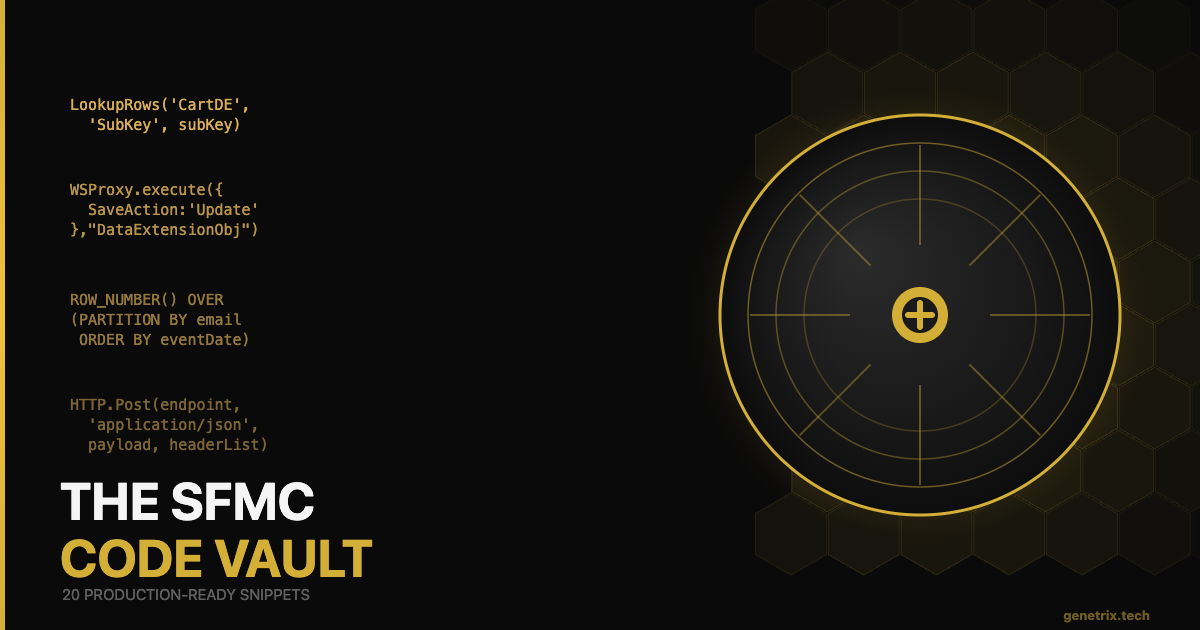
We packaged our top 20 most advanced internal snippets into a single, copy-paste-ready document. Each snippet includes a short explanation of the use case, the exact scenario where you would deploy it, and inline comments so your team can maintain it after you hand it off.
20 Battle-Tested Snippets Covering:
- SSJS scripts to parse complex Journey Builder API payloads without hitting string limits
- Bulk data upserts using WSProxy with proper error handling and retry logic
- Advanced SQL deduplication with ROW_NUMBER() partitioning for suppression lists
- Bulletproof abandoned cart loops with re-entry suppression and expiry windows
- AMPScript LookupRows optimisation patterns to avoid automation timeouts
- HTTPPost() with dynamic token refresh for authenticated API calls at send time
- CloudPage form handlers with server-side validation and injection prevention
- Triggered Send dynamic content blocks with fallback logic for missing attributes
- SQL queries for cross-business-unit data extension synchronisation
- SSJS-based send logging to external Data Extensions for custom analytics pipelines
Free PDF · 20 production-ready snippets · AMPScript, SSJS & SQL
How to Use the Code Vault Effectively
Each snippet in the vault is structured the same way: a one-paragraph plain-English description of the scenario, the code itself with inline comments, and a list of the variables you need to update before deploying. You do not need to understand every line before using it — the comments guide you through what to change for your specific implementation.
That said, we strongly recommend reviewing the suppression and error-handling logic in each snippet before deploying to production. The snippets are defensive by design, but your specific Data Extension schema may require adjustments to field names and relationship keys.
WSProxy_Upsert_Example.ssjs
/* WSProxy Bulk Upsert with Error Handling — SFMC Code Vault */
var prox = new Script.Util.WSProxy();
var cols = [
  { "Name": "EmailAddress", "Value": email },
  { "Name": "Status",       "Value": "Active" }
];
var resp = prox.execute({
  "SaveOptions": [{ "SaveAction": "UpdateAdd", "PropertyName": "*" }]
}, "DataExtensionObject", [cols]);
if (resp.Status !== "OK") { /* handle error */ }
Frequently Asked Questions
The AMPScript and SSJS snippets are written for Marketing Cloud Engagement (the legacy platform). For Marketing Cloud on Core, the equivalent operations use Apex Invocables, Flow, and Data Cloud Transforms. See our Developer’s Translation Matrix post for the Core equivalents.
Most snippets require at least SFMC Pro edition for Automation Studio and Data Extensions access. The WSProxy and HTTP-based snippets additionally require a Server-Side JavaScript activity, which is available in all editions that include Script Activities.
Yes. The Code Vault is provided for professional use. We ask that you do not redistribute it as a standalone product, but you are welcome to adapt and deploy the snippets on client implementations.
We update our internal vault as we encounter new patterns on client work. Subscribe to the Genetrix blog or follow us on LinkedIn to be notified when new snippets are released.
Need Custom SFMC Architecture? Let’s Talk.
Genetrix builds enterprise Marketing Cloud solutions from the code up. If you need senior SFMC developers to architect, build, or audit your automation stack, our team is ready to engage.









